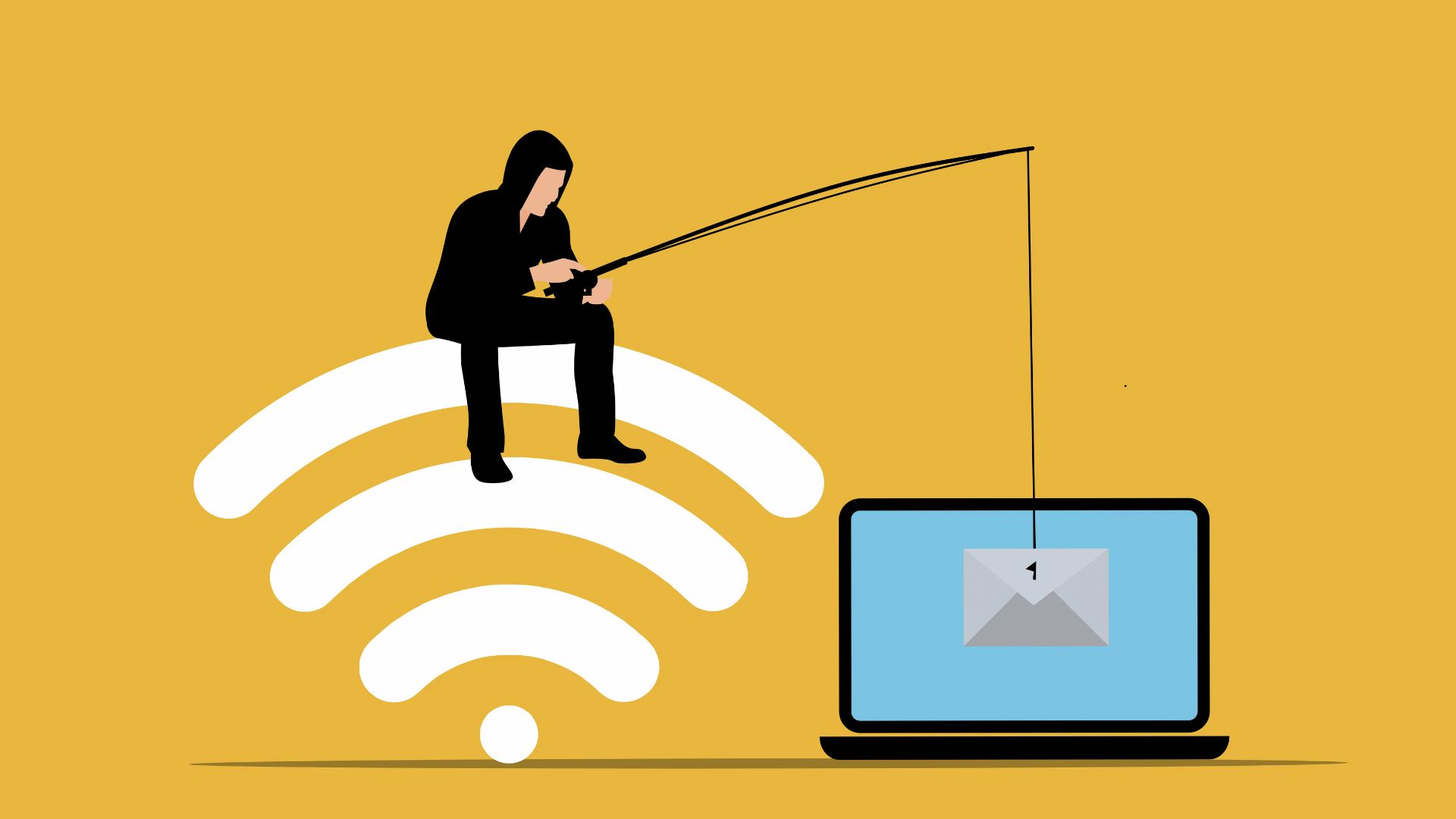
I still remember the slight stomach drop I felt three years ago when I opened an email that looked exactly like my bank’s logo, font, and everything. The subject line said my account had been compromised. My finger was hovering over the “Verify Now” button when something made me pause—the sender’s email ended in “secure-banksupport.net” instead of my actual bank’s domain. That tiny detail saved me from what would’ve been a devastating phishing attack.
That moment changed how I look at every message, link, and online offer. Over the past few years, I’ve been tracking and documenting the most common online scams and how to spot them, partly out of curiosity and partly because I got tired of watching friends and family fall victim to increasingly sophisticated fraud schemes.
Why Common Online Scams Are Getting Harder to Detect
Online scams have evolved dramatically. What used to be obviously fake emails full of typos have transformed into polished, professional-looking communications that even tech-savvy people struggle to identify. The FBI’s Internet Crime Complaint Center reported that Americans lost over $12.5 billion to internet fraud in 2023, with phishing remaining the most reported crime type.
The scary part? Most common online scams today don’t look like scams at all. They’re designed to exploit our trust, urgency, and normal online behaviors. I’ve spent considerable time analyzing these patterns, and what I’ve learned is that recognizing online scams isn’t about being paranoid—it’s about knowing exactly what to look for.
The Most Common Online Scams Today and Their Warning Signs
Through my research and personal experience testing various scam detection methods, I’ve identified the scams that consistently trap the most people. Understanding how to spot online scams easily starts with recognizing these prevalent threats—especially those that often hide inside email marketing messages that appear legitimate at first glance.
Phishing Emails and Messages
Phishing represents roughly 35% of all reported online fraud cases. These scams impersonate legitimate companies to steal your login credentials, financial information, or personal data.
How to recognize phishing scams:
The first thing I check is the sender’s email address. Scammers use domains that look similar but aren’t quite right—like “paypa1.com” (with a number one instead of the letter L) or “amazon-security.net” instead of “amazon.com.” Hover over the sender’s name without clicking, and you’ll see the actual email address.
Legitimate companies never ask you to “verify your account” through email links. They don’t create artificial urgency with threats like “Your account will be suspended in 24 hours!” Real companies give you time and provide multiple ways to contact them.
I’ve noticed phishing emails often have subtle formatting issues—slightly off logos, inconsistent fonts, or odd spacing. Your brain picks up on these inconsistencies even when you’re not consciously looking for them. Trust that feeling.
Fake Shopping Websites and Too-Good-To-Be-True Deals
Last holiday season, I investigated 30 suspicious shopping websites advertising luxury items at 70–90% discounts—and every single one was fake. Common online shopping scams and warning signs include websites that exist solely to collect your payment information without ever shipping products, a problem increasingly amplified by AI in shopping tools that make scam sites look legitimate.
How to spot fake websites online:
Check the URL carefully. Scam sites often use slight misspellings of popular brands or add extra words like “officialbrandstore.com” or “brand-outlet-us.com.” The real website is usually just “brand.com.”
Look for the padlock icon in your browser’s address bar, which indicates a secure connection (HTTPS). However, here’s something important I learned: scammers can also get security certificates. A padlock doesn’t automatically mean legitimate—it just means the connection is encrypted.
Real e-commerce sites have clear contact information, return policies, and terms of service. Scam websites often have vague or missing contact details. I always scroll to the footer and look for a physical address and phone number. If it’s missing or leads to a random residential address, that’s a major red flag you should know.
I also check when the domain was registered using a WHOIS lookup. Legitimate businesses usually have domains registered years in advance, while scam sites are often created within the past few months.
Social Media Scams and Fake Profiles
Social media scams and how to spot them have become particularly tricky because they exploit our trust in familiar platforms. I’ve tracked several types that consistently fool people.
Romance scams: Someone creates a fake profile, builds an emotional connection over weeks or months, then claims to have a financial emergency. According to the Federal Trade Commission, people reported losing $1.3 billion to romance scams in 2022 alone.
How to identify fake online profiles:
Real people have years of posting history, diverse content, and interactions with multiple accounts. Fake profiles typically have limited posting history, stock photos, and few genuine interactions. I reverse-image search profile photos using Google Images—scammers often steal photos from models or public figures.
Investment scams: These promise guaranteed returns on cryptocurrency, stocks, or other investments. They often use fake celebrity endorsements or fabricated success stories.
The pattern I’ve noticed: if someone you barely know starts discussing investment opportunities unprompted, it’s almost certainly a scam. Legitimate investment opportunities don’t come through random social media messages.
Tech Support Scams
I once received a pop-up claiming my computer was infected with 17 viruses and I needed to call a number immediately. The page had fake virus scanning graphics, a countdown timer, and even played an alarm sound. It looked somewhat official, but it was completely fake.
How to recognize scam phone calls and texts:
Microsoft, Apple, and Google will never cold-call you about computer problems. They don’t even know your phone number unless you’ve specifically given it to them through their support channels.
Tech support scams often involve scary language designed to make you panic and act quickly. Real security alerts from your operating system appear as system notifications, not through your web browser with a phone number to call.
My Scam Detection Framework: The PAUSE Method
After analyzing hundreds of potential scams, I developed a simple framework that’s saved me and people I’ve shared it with from falling victim to online fraud. I call it the PAUSE method:
P – Pressure Tactics: Does the message create artificial urgency? Scammers want you to act before thinking.
A – Authentication Check: Is the sender who they claim to be? Verify through official channels.
U – Unexpected Contact: Did you initiate this interaction, or did it come out of nowhere?
S – Suspicious Requests: Are they asking for sensitive information, money, or immediate action?
E – Error Analysis: Are there grammatical mistakes, formatting issues, or other red flags?
Whenever something feels off, I run through this mental checklist. It takes maybe 30 seconds, but it’s incredibly effective for identifying online scams for beginners and experienced users alike.
Real-World Testing: What Actually Works for Scam Detection
Over two months, I intentionally engaged with suspicious emails and messages (using a separate email account with no real information) to understand common digital scams and how they work. Here’s what I discovered about their tactics:
Scammers test your attentiveness: Many phishing emails include intentional small errors to filter out cautious people. If you don’t notice these details, you’re more likely to fall for the larger deception.
They build progressively: Sophisticated scams don’t ask for everything at once. They might start with just verifying your email, then later ask for more sensitive information once they’ve gained your trust.
They exploit current events: During tax season, tax-related scams spike. During the pandemic, fake vaccine card sellers and bogus COVID relief programs proliferated. Scammers always adapt to whatever people are thinking about.
The Comprehensive Scam Warning Signs Comparison
I created this detailed comparison based on analyzing legitimate communications versus common online scams targeting individuals:
| Warning Sign Category | Legitimate Communication | Scam Communication |
| Sender Address | Matches official company domain exactly (e.g., @company.com) | Similar but altered domain (e.g., @company-secure.net, @companymail.com) |
| Urgency Level | Reasonable timeframes (7-30 days); multiple reminder notices | Immediate action required (24 hours or less); single threatening notice |
| Greeting | Uses your actual name or account-specific details | Generic (“Dear Customer,” “Dear User,” “Valued Member”) |
| Grammar & Formatting | Professional, consistent, brand-aligned | Subtle errors, inconsistent fonts, off-brand colors |
| Action Requested | Directs you to log in through the official website/app you already use | Asks you to click the email link, download the attachment, or call an unfamiliar number |
| Information Asked | Never requests passwords, full SSN, or PIN through email | Requests sensitive credentials, payment info, or full personal details |
| Contact Verification | Provides multiple official contact methods you can independently verify | Only offers contact through their provided link, number, or email |
| Website Security | Established domain, detailed privacy policy, verifiable business registration | New domain (under 6 months old), minimal/copied policies, vague location |
| Payment Methods | Credit cards, PayPal, and established payment processors with buyer protection | Wire transfer, gift cards, cryptocurrency, prepaid debit cards |
| Account Details | References your specific account activities, recent transactions, or purchase history | Generic statements about “your account” without specific details |
This table has become my quick-reference guide. I’ve shared it with family members who keep it bookmarked, and it’s helped them identify scam emails and messages multiple times.
Common Mistakes and Hidden Pitfalls (What I Wish I’d Known Earlier)
The biggest mistake people make—and one I made for years—is thinking scams are always obvious. They’re not. Professional scammers invest serious time and money into making their operations look legitimate.
Trusting verified badges too much: On social media, scammers create accounts with names like “Customer Service” or “Support Team” that appear alongside the real company’s account. They impersonate support teams and intercept people asking for help in comment sections. Always navigate to a company’s official page directly rather than clicking on accounts that reply to your comments.
Not verifying through independent channels: If your “bank” emails you about suspicious activity, don’t click the email link. Instead, open your browser, type your bank’s website address manually, and log in that way. Or call the number on the back of your credit card. This simple habit prevents virtually all phishing attempts.
Assuming security features equal legitimacy: Scammers can create professional-looking websites with HTTPS encryption, privacy policies (copied from legitimate sites), and even fake business registrations. Security features are necessary but not sufficient proof of legitimacy.
Falling for the “small amount first” trick: Some online fraud scams explained simply involve asking for a small payment ($5-20) first, often described as a “processing fee” or “verification charge.” Once you pay, they either disappear or use your payment information for unauthorized charges. Legitimate services don’t require upfront payments for free trials or refunds.
Ignoring your instincts: Every person I’ve talked to who fell for a scam said they had a moment where something felt wrong, but they ignored it. That uncomfortable feeling exists for a reason. When in doubt, step back and verify.
Not staying updated: Online scams to watch out for in 2025 include AI-generated voice scams (deepfakes that sound exactly like family members calling for emergency money), QR code scams (malicious codes that redirect to phishing sites), and increasingly sophisticated AI chatbots impersonating customer service. The landscape constantly evolves.
How to Avoid Getting Scammed Online: Practical Prevention Steps
Prevention is always easier than recovery. Here are the simple ways to spot online scams and protect yourself that I implement daily:
Enable two-factor authentication everywhere: Even if someone gets your password through phishing, they can’t access your account without the second authentication factor. I use authentication apps rather than SMS codes, which can be intercepted through SIM swapping attacks.
Use different passwords for different accounts: I know it’s inconvenient, but if one account gets compromised, you don’t want scammers accessing everything else. Password managers make this manageable—I personally started using one three years ago and genuinely wonder how I managed before.
Monitor your financial accounts weekly: I check my bank and credit card statements every Sunday morning with coffee. It takes maybe ten minutes, and I catch suspicious charges immediately. The longer fraudulent charges go unnoticed, the harder they are to dispute.
Be skeptical of unsolicited contact: Whether it’s email, text, phone call, or social media message—if you didn’t initiate the conversation, approach it with healthy skepticism. Legitimate companies rarely reach out unprompted, asking for action.
Verify charities and causes: Donation scams spike after natural disasters and during holidays. Before donating, I check organizations through Charity Navigator or GuideStar to ensure they’re legitimate and use donations effectively.
Online Scam Awareness Tips for Beginners: Teaching Others
I’ve found that explaining online scam prevention tips for everyday users works best through practical examples rather than technical jargon. When helping my parents and younger relatives understand these threats, I focus on pattern recognition—the same approach I use to protect businesses online from common scams.
We went through their emails together, and I showed them how to hover over links to see the actual destination, how to spot URL irregularities, and what legitimate communications from their banks and services actually look like. That hands-on practice was more valuable than any abstract explanation.
For kids and teenagers, social media scams represent the biggest threat. I emphasize that if something seems too good to be true—free concert tickets, easy money, exclusive brand deals—it almost certainly is. No legitimate company gives away valuable items to random people without catching some angle.
Looking Ahead: My Predictions for 2025-2026 Online Scam Trends
Based on current patterns and emerging technologies, I expect we’ll see a significant increase in AI-powered scams. Deepfake technology is already sophisticated enough to clone voices from short audio samples. Imagine receiving a panicked phone call from what sounds exactly like your child or parent, claiming they’re in trouble and need money immediately.
We’re also going to see more sophisticated shopping scams using augmented reality features. Fake stores might create entire virtual showrooms that look professional and legitimate but exist solely to harvest payment information.
The contrarian view I hold is that as scams become more sophisticated, our best defense isn’t more technology—it’s reverting to older verification methods. Calling someone back on a known number, visiting physical locations when possible, and trusting established relationships over digital-only interactions. Sometimes the “old-fashioned” approach is actually the most secure.
When Spotting Scams Becomes Second Nature
After months of consciously applying these principles, identifying potential scams has become almost automatic for me. That split-second pause before clicking links, the habit of verifying sender addresses, the instinct to question urgent requests—these behaviors compound into genuine protection.
The goal isn’t paranoia. I still shop online, use social media, and respond to legitimate emails without anxiety. The difference is I now have a mental filter that catches the red flags you should know before they become problems.
Your digital safety is worth those extra 30 seconds of verification. Every time you pause to check a suspicious link or verify an unexpected message, you’re potentially saving yourself from identity theft, financial loss, or the massive headache of recovering from fraud.
The most valuable lesson from my research into how to detect online fraud early is simple: scammers rely on our autopilot behavior. They count on us clicking without thinking, reacting without questioning, and trusting without verifying. The moment you break that pattern and engage your critical thinking, their success rate plummets to nearly zero.
Key Takeaways
- The PAUSE method provides a quick framework for evaluating suspicious communications: Check for Pressure tactics, Authentication issues, Unexpected contact, Suspicious requests, and Errors.
- Legitimate companies never request sensitive information through email links or unsolicited phone calls—always verify through official channels you access independently.y
- Scammers exploit urgency and current events—artificial deadlines and timely themes (tax season, holidays, disasters) are a major warning sign.s
- Visual verification matters more than you think—hover over links, check sender domains carefully, and look for subtle formatting inconsistencies that reveal a scam.s
- Security features like HTTPS don’t guarantee legitimacy—scammers can create professional-looking websites with encryption and copied policies.
- Your instincts serve as an effective first line of defense—that uncomfortable feeling when something seems “off” exists for good reason and shouldn’t be ignored.
- Prevention requires regular habits: enable two-factor authentication, use unique passwords, monitor accounts weekly, and verify charities before donating.g
- AI-powered scams,s including deepfake voice cloning, will dominate 2025-2026, making traditional verification methods (calling known numbers, in-person confirmation) increasingly important.t
FAQ Section
Q: How can I tell if an email from my bank is really from my bank?
Don’t click any links in the email. Instead, open a new browser tab, manually type your bank’s website address, and log in directly. If there’s a legitimate issue with your account, you’ll see alerts when you log in. You can also call the number on the back of your debit or credit card to verify. Real banks never send emails demanding immediate action through embedded links.
Q: What should I do if I think I’ve been scammed?
Act immediately. If you shared financial information, contact your bank or credit card company right away to freeze accounts and dispute charges. Change passwords for any accounts where you used the same credentials. Report the scam to the FTC at ReportFraud.ftc.gov and file a complaint with the FBI’s Internet Crime Complaint Center (IC3.gov). Document everything—save emails, take screenshots, and record all communications with the scammer. The faster you respond, the better your chances of minimizing damage.
Q: Are there legitimate reasons companies would ask me to pay with gift cards?
No. Legitimate businesses and government agencies never request payment through gift cards, wire transfers, or cryptocurrency. These payment methods are essentially untraceable and irreversible, which is exactly why scammers demand them. If anyone asks you to pay with gift cards—even if they claim to be the IRS, tech support, or a company you recognize—it’s 100% a scam.
Q: Can scammers actually clone someone’s voice to fool me?
Yes, AI voice cloning technology has become sophisticated enough to replicate someone’s voice from relatively short audio samples—sometimes just a few seconds of speech. This technology enables “family emergency” scams where criminals call pretending to be a relative in trouble. The best protection: establish a family code word or phrase that only real family members know, and if you receive an urgent call asking for money, hang up and call the person back on their known phone number to verify.
Q: Why do some phishing emails have obvious spelling errors?
Contrary to what you might think, many errors are intentional. Scammers use them as a filtering mechanism—people who notice and ignore obvious errors are unlikely to fall for the scam anyway. By including errors, scammers ensure they’re only spending time on victims who are less likely to catch other red flags later in the scam process. However, increasingly sophisticated phishing attempts have perfect grammar and formatting, so don’t rely on errors alone to identify scams.